ErgoRated
 ⭐ Mid-Tier Ergo
Logitech · Accessories
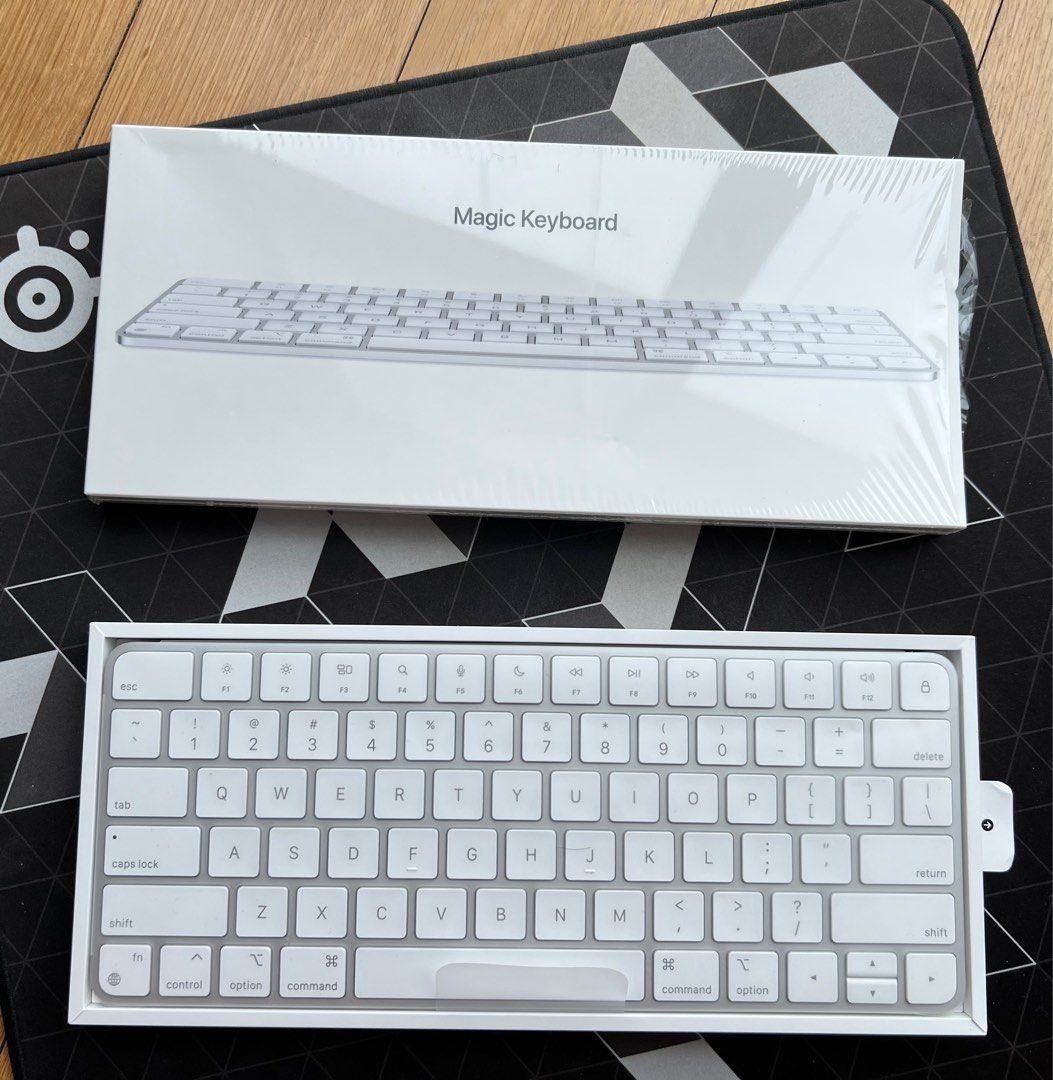
Logitech Wave Keys Wireless Ergonomic Keyboard
BSR #7 in Computer Keyboards. Logitech's mid-tier ergonomic keyboard at $68.74 — wave-shape layout with cushioned palm rest. Bridges the gap between flat MX Keys and split Ergo K860.
Quick Answer
- Is the Logitech Wave Keys Wireless Ergonomic Keyboard worth buying in 2026?
The Wave Keys strikes a perfect balance between a traditional layout and ergonomic benefits, keeping your mouse close while providing excellent wrist support. While power users might miss mechanical switches or standard F-key layouts, the 36-month battery life and zero learning c
The Wave Keys strikes a perfect balance between a traditional layout and ergonomic benefits, keeping your mouse close while providing excellent wrist support.
Aggregated from 12,000 reviews across YouTube, Reddit, and Amazon
+Pros
- ✓Subtle wave design requires almost zero learning curve compared to split keyboards
- ✓Compact footprint keeps the mouse comfortably close while still including a full numpad
- ✓Built-in cushioned wrist rest provides excellent all-day comfort and support
- ✓Seamless multi-device connectivity for up to 3 devices via Bluetooth or Logi Bolt
−Cons
- ✗Membrane keys instead of mechanical switches
- ✗Fabric wrist rest cannot be removed or replaced, making stains a permanent issue
- ✗Thicker profile than standard keyboards may require lowering your desk height
- ✗Layout quirks, including squished up/down arrow keys and swapped Mac modifier keys
In-depth Review
Logitech Wave Keys Wireless Ergonomic Keyboard Review — Niche product perfectly executes its niche by bridging the intimidating gap between traditional and ergonomic designs
Specifications
| type | Wave-shape ergonomic layout |
| connectivity | Bluetooth + Logi Bolt |
| battery | Up to 36 months on AAA batteries |
| palm rest | Cushioned (integrated) |
| warranty | 1 year |
After 6+ Months
Why this product
Mid-tier ergonomic pick. Choose Wave Keys if MX Keys gives you wrist pain after 4-6 hours but you don't want the learning curve of a fully split keyboard. Skip if you've already adapted to a flat keyboard with no issues.
Build & specs
| Spec | Value |
|---|---|
| Type | Wave-shape ergonomic layout |
| Connectivity | Bluetooth + Logi Bolt |
| Battery | Up to 36 months on AAA batteries |
| Palm Rest | Cushioned (integrated) |
| Warranty | 1 year |
Last updated: May 2, 2026 · By Alex Rivera